
In the world of academic writing, page numbers might seem like the unsung heroes of formatting, but they’re more important than they appear. Imagine a reader flipping through a paper and losing track of where they are—chaos! By mastering APA style page numbers, writers can ensure their work remains organized and easy to navigate.
Whether it’s a thesis, research paper, or a simple essay, following the APA guidelines can elevate a writer’s credibility. After all, nothing says “I’ve got my act together” quite like perfectly placed page numbers. So buckle up as we dive into the nitty-gritty of APA style page numbers, making sure your readers stay on track and your work shines like a well-polished apple on a teacher’s desk.
Understanding APA Style Page Numbers
Page numbers serve as essential components in APA style formatting. Their correct usage ensures that readers can easily navigate academic documents.
Importance of Page Numbers in APA Style
Page numbers enhance organization by facilitating reader navigation. They indicate the sequence of content, helping avoid confusion during the review process. Properly formatted page numbers also strengthen writer credibility by demonstrating adherence to APA guidelines. Academic work gains clarity with clear page numbering, making it easier for readers to reference specific sections or arguments.
Basic Formatting Rules for Page Numbers
Placement of page numbers occurs in the upper right corner of each page. It’s important to align them with the right margin, ensuring a clean look. Use Arabic numerals for numbering, starting with 1 on the title page. Each subsequent page should follow in sequential order. Page numbers remain consistent throughout the document to maintain professionalism and coherence.
How to Format Page Numbers in APA Style
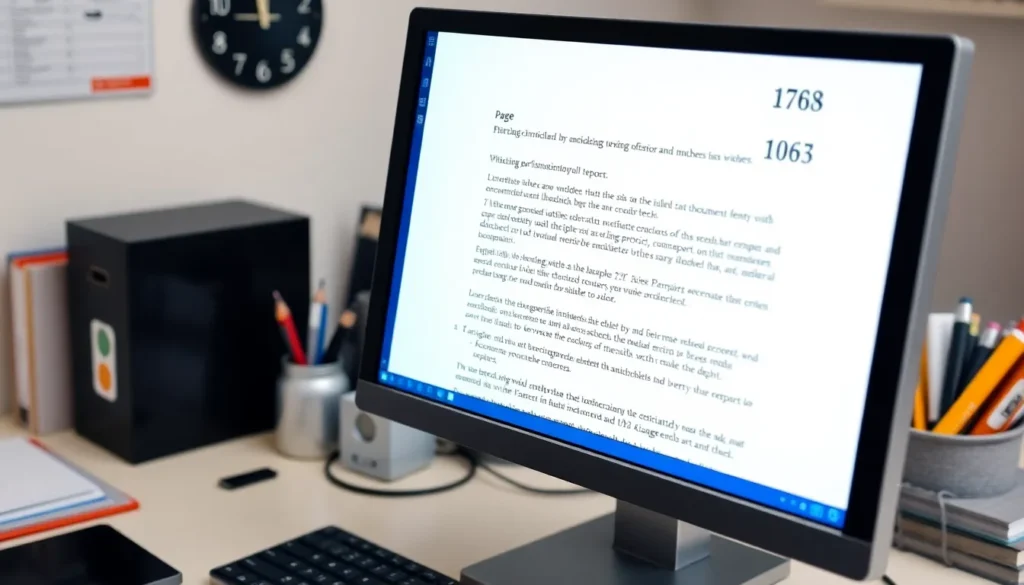

Formatting page numbers correctly is crucial in APA style. Proper numbering increases clarity and organization for academic documents.
Placement of Page Numbers
Page numbers should appear in the upper right corner of each page. Alignment with the right margin is essential. Starting with the title page, the first page gets the number 1. Each following page receives the next sequential number. Consistency in placement ensures ease of navigation throughout the document. When inserting page numbers, use the header function. This will maintain proper positioning as new pages are added. Page numbers must not disrupt the overall layout or appear too large.
Font and Size Specifications
Font and size specifications for page numbers follow the overall document guidelines. Use a readable font such as Times New Roman, 12-point size. Maintain uniformity with the rest of the document’s text. In headers, the font matches the body text, ensuring visual coherence. Avoid bolding or italicizing page numbers unless specified by additional requirements. Simplicity in font choice enhances professionalism and readability. Adjustments in font size or style can distract readers and diminish the work’s credibility.
Common Mistakes with APA Style Page Numbers
Proper adherence to APA style page number rules is crucial for academic writing. Common mistakes can hinder document clarity.
Incorrect Placement Issues
Placement of page numbers in the upper right corner is essential. Many writers mistakenly position them in the header or footer, which can lead to confusion. Each page should display the number aligned with the right margin. Some individuals overlook the title page, which should start with page number 1. Sequential order matters; skipping numbers or inserting them randomly disrupts reader navigation. Consistent positioning improves professionalism. Double-check document layout before submission to ensure correct placement.
Font and Size Errors
Font and size consistency is vital for maintaining the document’s professionalism. APA guidelines recommend using a readable font like Times New Roman in 12-point size. Some writers deviate by selecting different fonts or sizes, causing a lack of visual coherence. Page numbers must match the body text in both font and size for clarity. Avoid bolding or italicizing page numbers unless specified in assignment instructions. Such alterations can undermine readability and professionalism, generating unnecessary distraction for the reader. Always confirm font settings before finalizing the document.
Tips for Ensuring Accurate Page Numbers
Ensuring accurate page numbers is vital for maintaining professionalism in academic writing. Proper formatting not only promotes clarity but also enhances readability.
Double-Checking Your Formatting
Reviewing the document’s formatting guarantees adherence to APA guidelines. Start by confirming that page numbers appear in the upper right corner and align with the right margin. Changes to document settings can sometimes shift elements, so checking frequently helps. Next, verify that numbers begin at 1 on the title page and follow a sequential order. Mistakes in numbering can confuse readers, undermining the document’s credibility. Writers should adjust and recheck font settings, ensuring page numbers match the body text as per APA recommendations.
Utilizing Templates and Tools
Using templates simplifies the formatting process for academic papers. Many word processing programs provide built-in APA style templates. These templates often include correctly positioned page numbers, saving time and reducing errors. Employing tools like citation managers can also streamline formatting. Students gain confidence in document preparation by utilizing these resources, making it easier to focus on content rather than layout. Writers can also explore online APA formatting guides, which offer step-by-step instructions, ensuring accuracy in page numbering.